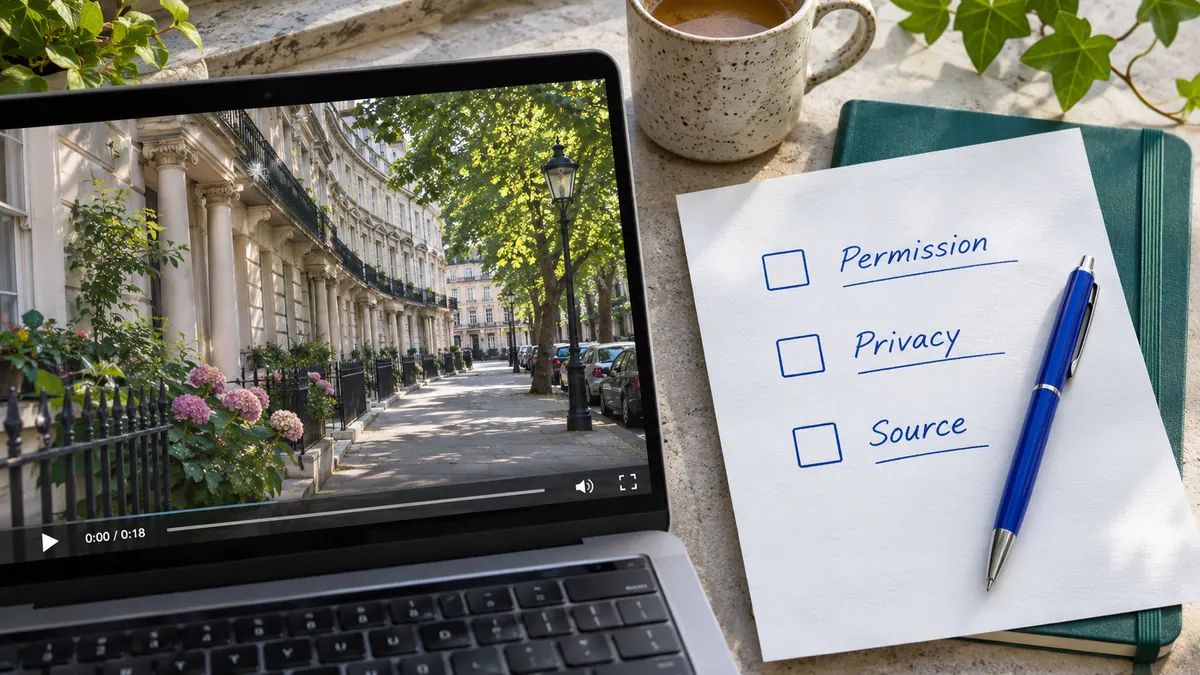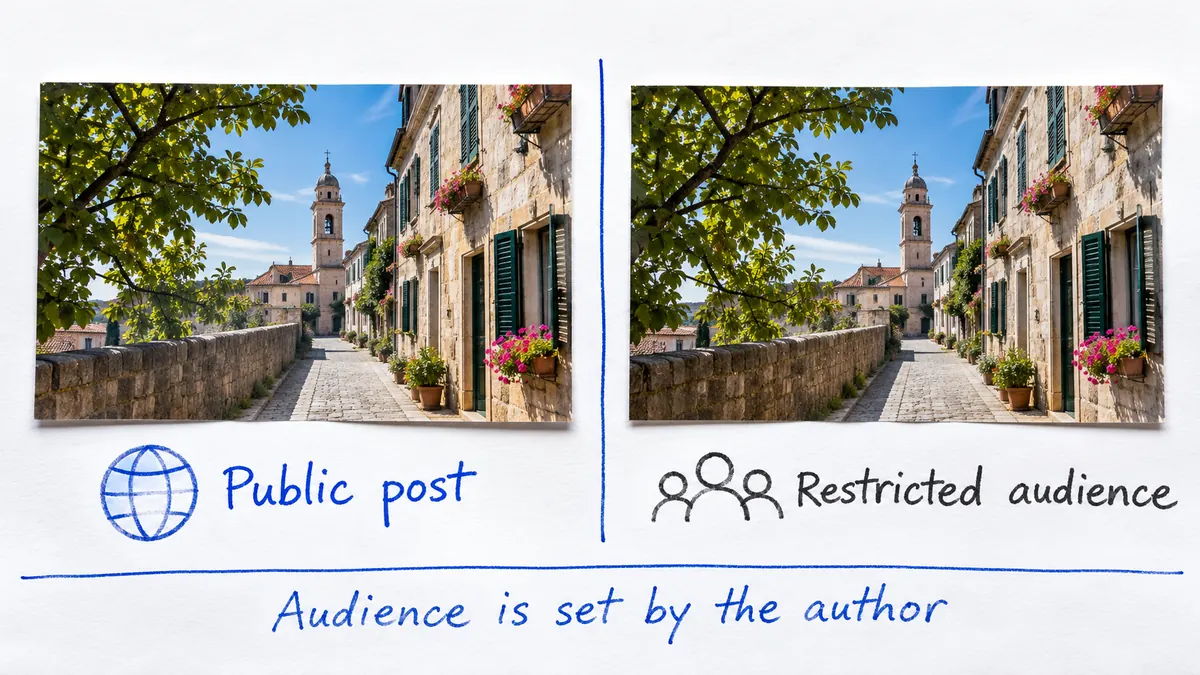
A public Facebook video may be accessible without your account, but that does not grant permission to republish it. A private post may play while you are signed in, yet remain unavailable to FVideo. Separate three questions: can the source be accessed, can the downloader process it, and are you allowed to save or reuse it?
A Login Popup Does Not Prove That a Post Is Private
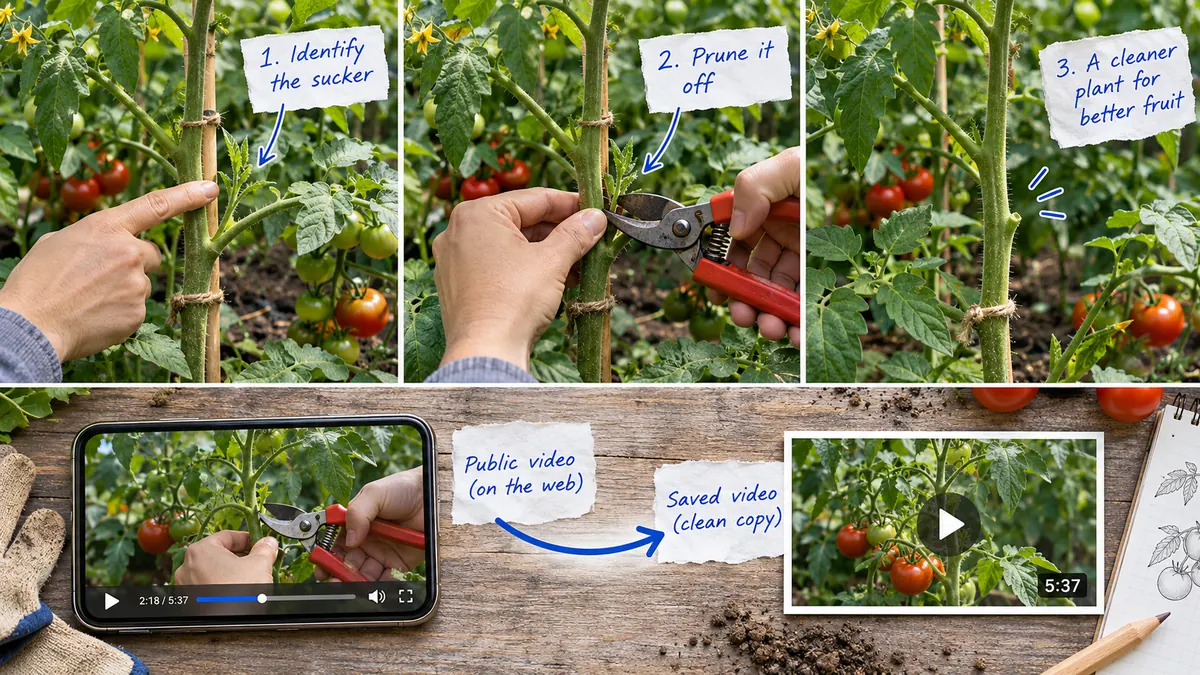
In our November 2, 2026 browser check, the public NASA sample initially displayed a Facebook login popup. Closing the dismissible popup revealed a playing video and a public-audience indicator. FVideo also resolved and downloaded that source. A login invitation and an actual access restriction are not the same thing.
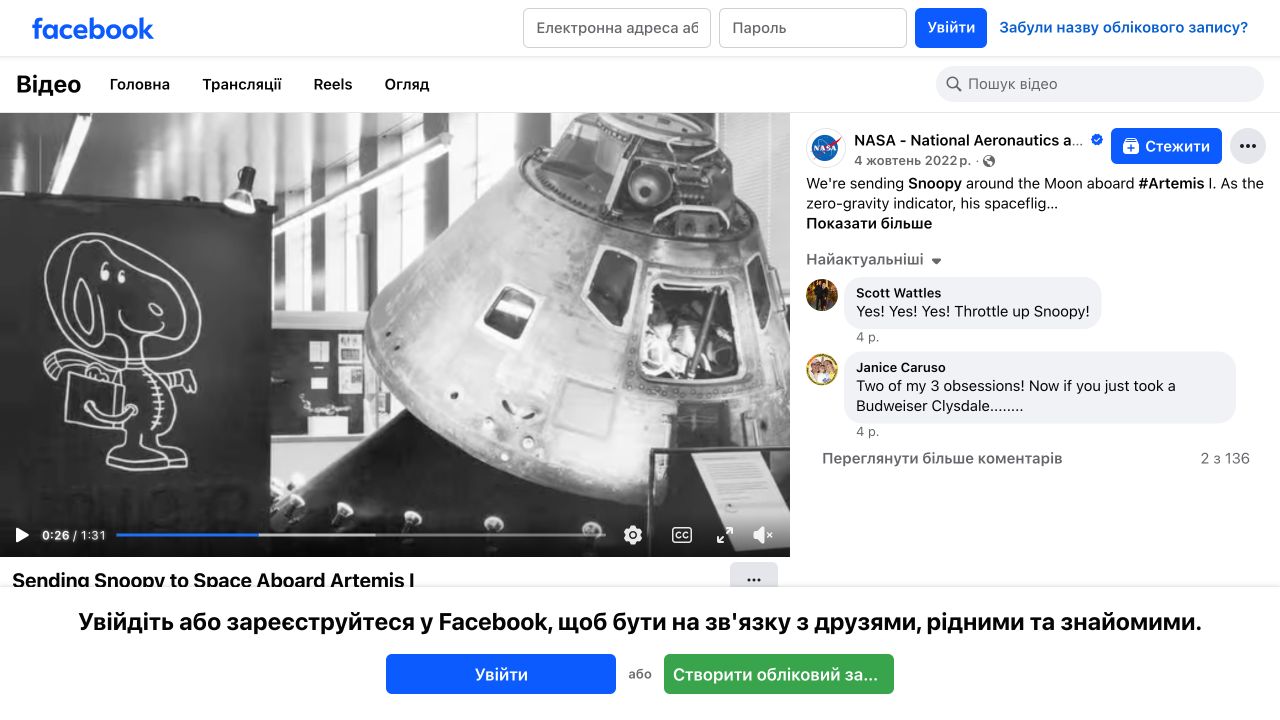
Public NASA video used for this access check
Check the Post, Not Just the Account
- Open the individual video rather than the author’s profile or page.
- Look for an audience indicator near the post. The page being public does not make every post public.
- Where possible, test viewing without your signed-in account; a dismissible prompt may still appear.
- If the post requires group membership, a particular account, or permission from the author, do not try to bypass the restriction.
Link Types and Access Are Separate
| Link or situation | What it means for a download |
|---|---|
| Video post, Watch or Reel | Supported input shapes can still point to deleted or restricted media. |
| Share or fb.watch shortcut | The destination must resolve to an accessible supported video. |
| Public group permalink | A public group URL is not a promise that downloadable video exists. |
| Friends-only or private group post | Not supported by FVideo; obtain an authorized copy from the owner. |
| Profile or page homepage | Not an individual video; copy the post link instead. |
Our URL validation check rejected facebook.com/NASA as unsupported_path and a non-Facebook video URL as unsupported_host. The public NASA video and Reel examples completed. We did not test private content or use account cookies to gain access.
Public Does Not Mean Copyright-Free
A post audience controls who can see it, not the license for its video, music, graphics, or people’s likenesses. Ask the rights holder about the use you intend. Reposting, advertising, editing, and sharing a file can raise different questions from viewing the original link.
U.S. Copyright Office: permission and fair use
Check permission, privacy, and downloader safety
If a Link Still Fails
Copy a fresh link to the original post and check that the video still plays. Source changes, expired media addresses, region limits, and extractor failures can prevent a public video from downloading. Do not infer that every failed request is private, and do not upload account credentials to a third-party tool as a workaround.