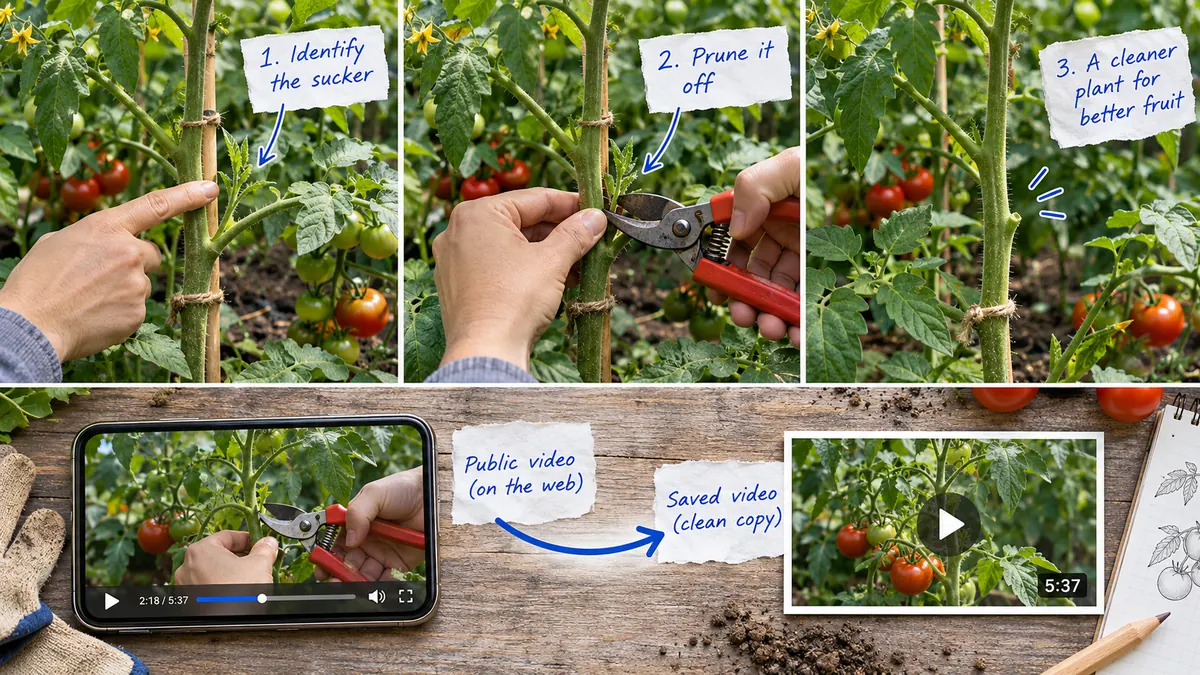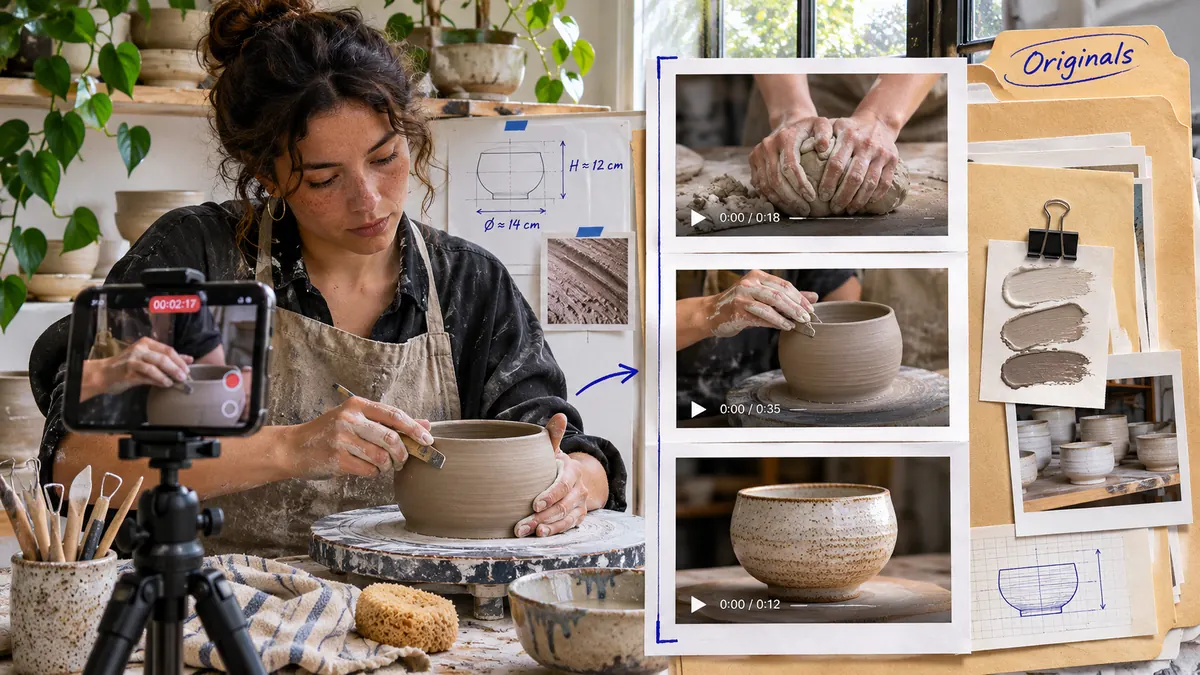
A Facebook link is a reference to a post, not a backup of its video. An author can change the audience, a page can become unavailable, and temporary media links expire. For your own work, keep the original recording plus an independently stored copy you have checked.
Choose the Right Source for the Backup
| Method | Best use | Limitation |
|---|---|---|
| Your camera or editing master | Preserving original quality and project assets | Requires access to the original files. |
| Facebook account information export | Collecting information from your account | Use Facebook’s own account controls; included items and preparation time vary. |
| FVideo public-video MP4 download | Saving an accessible public post or Reel individually | Not a private-account export or recovery service; quality depends on the public source. |
For an account export, use Facebook or Accounts Center and look for the controls for your information and exporting/downloading information. Select the relevant account, dates, and available media options. Follow the instructions shown for your account; menu names and available formats can change. Keep the export private.
Facebook Help: download a copy of your information
Back Up One Public Video with FVideo
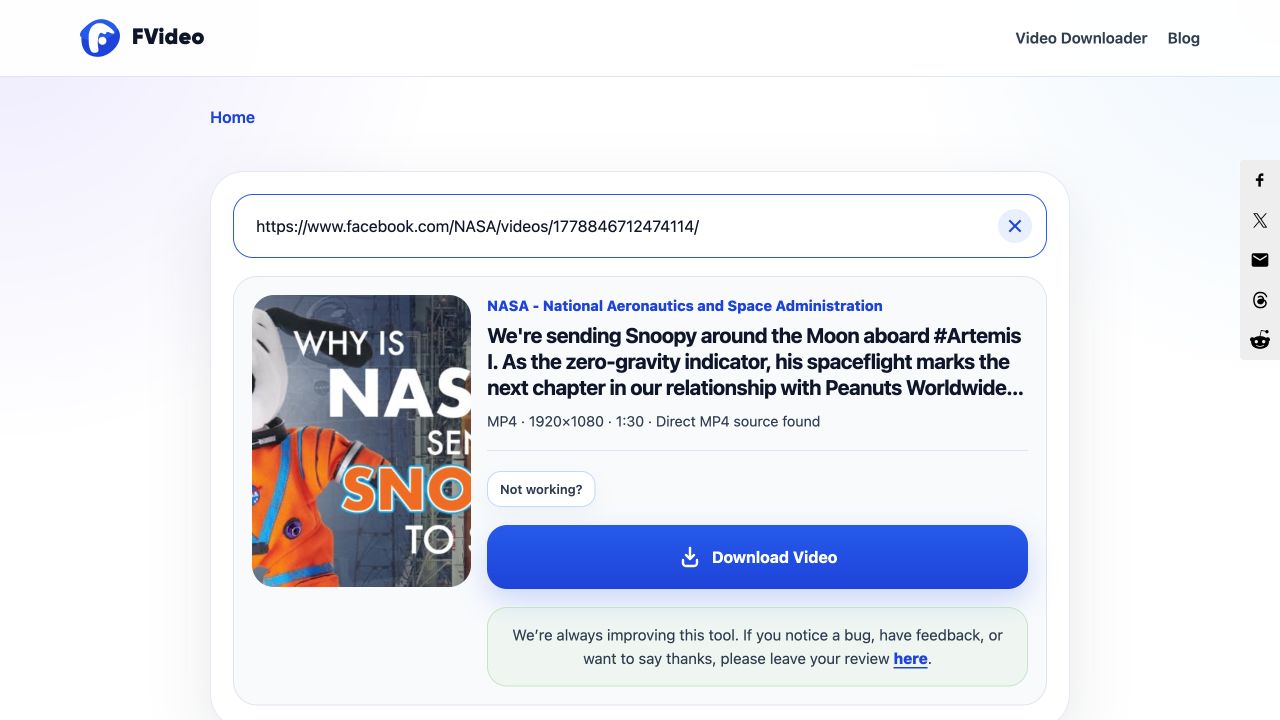
- Open your own individual public video or Reel and copy its link.
- Paste it into FVideo. Check that the author and preview are yours.
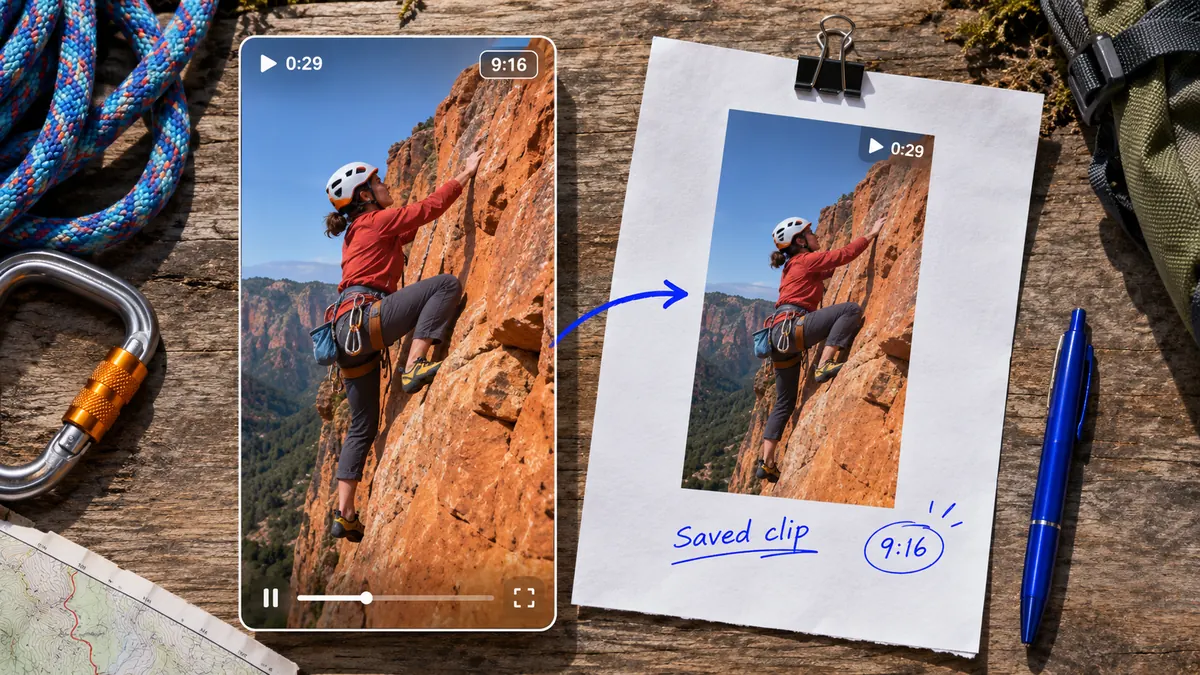
- Use Download Video and save the completed MP4 to a folder you control.
- Open it, check the duration and audio, and play at least two different points.
- Copy the verified file to another storage location. Keep the source link alongside it.
A Small Archive That You Can Find Again
Use a filename such as 2026-11-02_campaign-product-demo_facebook.mp4 rather than keeping only a long numeric ID. Store a plain-text note alongside the file with the original post URL, page name, original publication date if known, download date, and permission or ownership notes. Do not put private access tokens into archive filenames or notes you share.
- Originals: camera files, audio, and editing projects.
- Published copies: verified Facebook MP4 downloads.
- Notes: post URLs, dates, captions, and rights information.
- Second copy: another drive or a backup account you control.
Do Not Treat a Temporary Download URL as Storage
FVideo prepares files temporarily. Save the actual MP4 when it is ready; bookmarking the download endpoint does not preserve it. If an old link has expired, submit the original public post again. A deleted or private source may no longer be recoverable through the downloader.
What Our Download Check Confirms
On November 2, 2026, our production check saved a public NASA video through its page-video and Watch URLs, returning a completed MP4 response of 28,712,681 bytes. A separate Reel also completed. This verifies a small public-link flow, not original-file preservation, private access, or every video on an account.
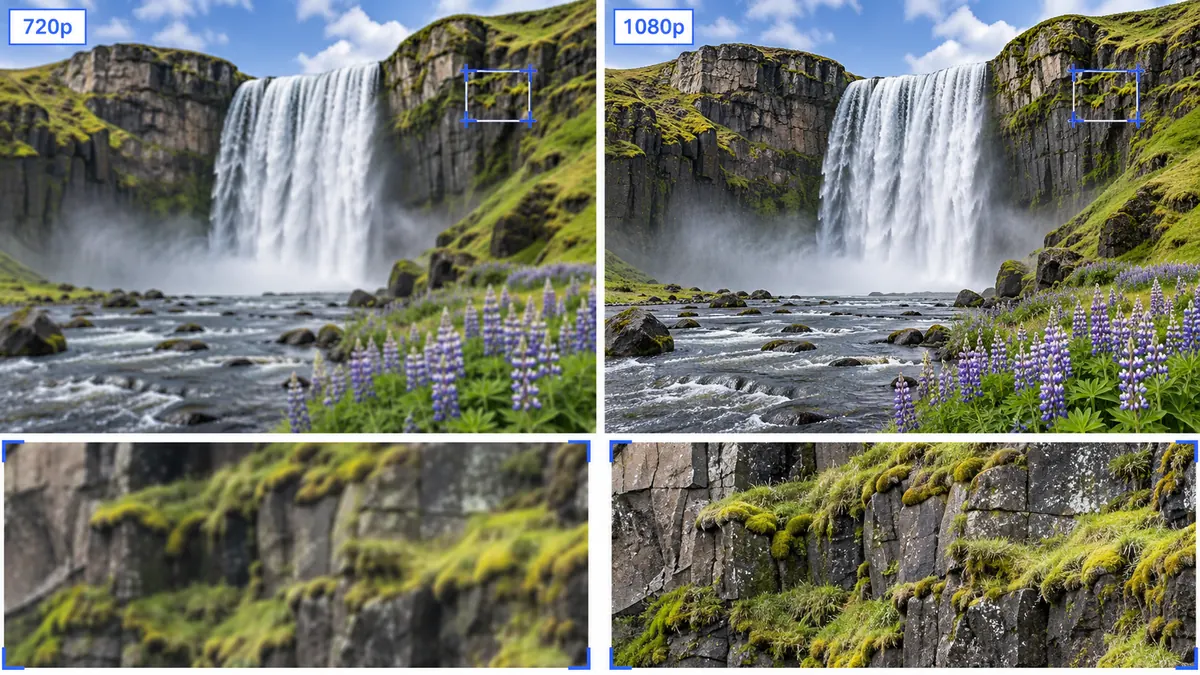
Check available quality before relying on a downloaded copy
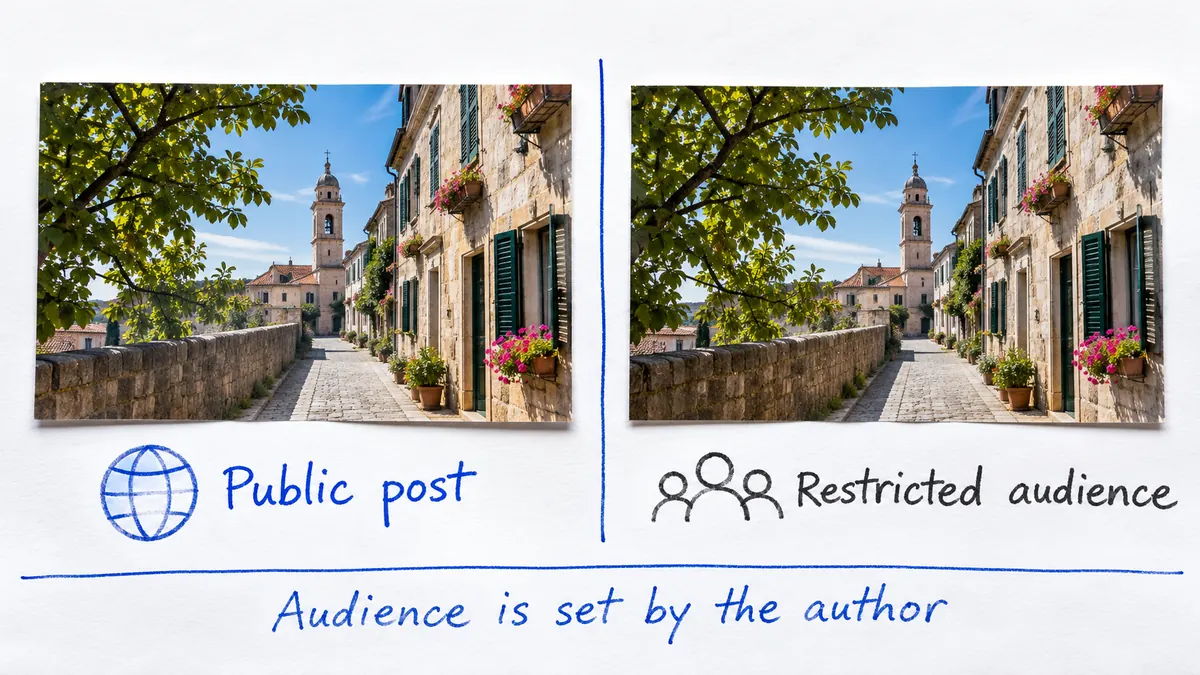
Understand why a video can play in your account but fail in a downloader
Do not make a sensitive private post public merely to use a downloader. Prefer your original files or Facebook’s own export tools for private material.